
Github Pages
Github pages enable you to host static website using Github. By default, the README.md will be the default landing page once Github Pages is configured.
-
create a repo, upload files and update
README.md- a sample repo: https://github.com/harrywang/sample-project -
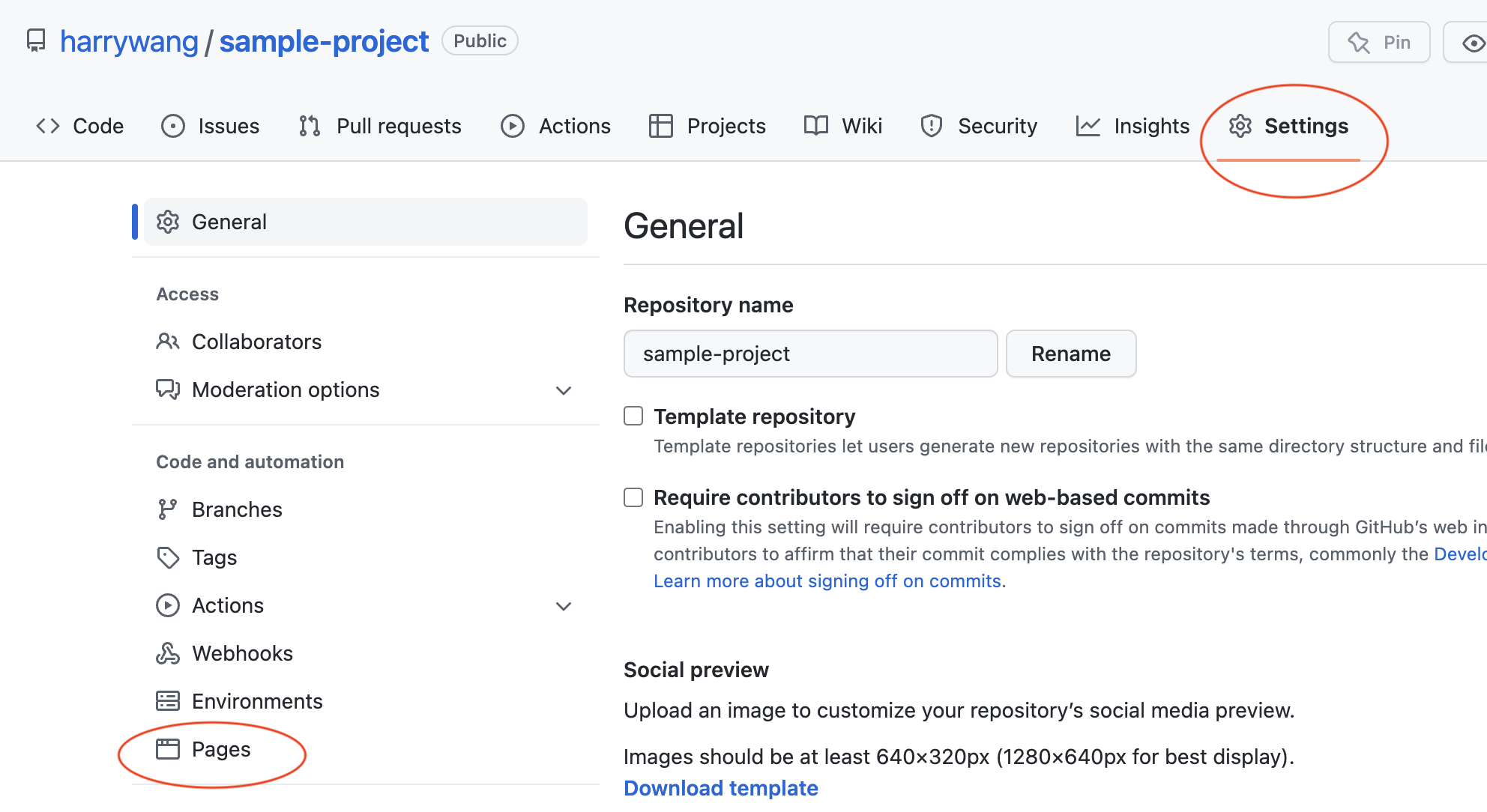
click Settings —> Pages:
-
Choose main branch and save:

-
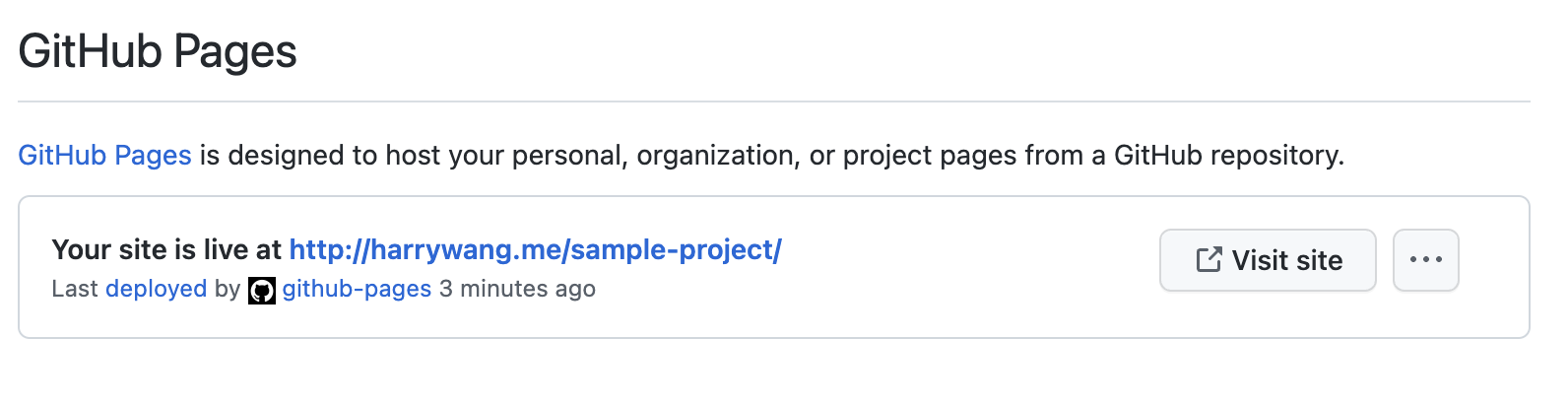
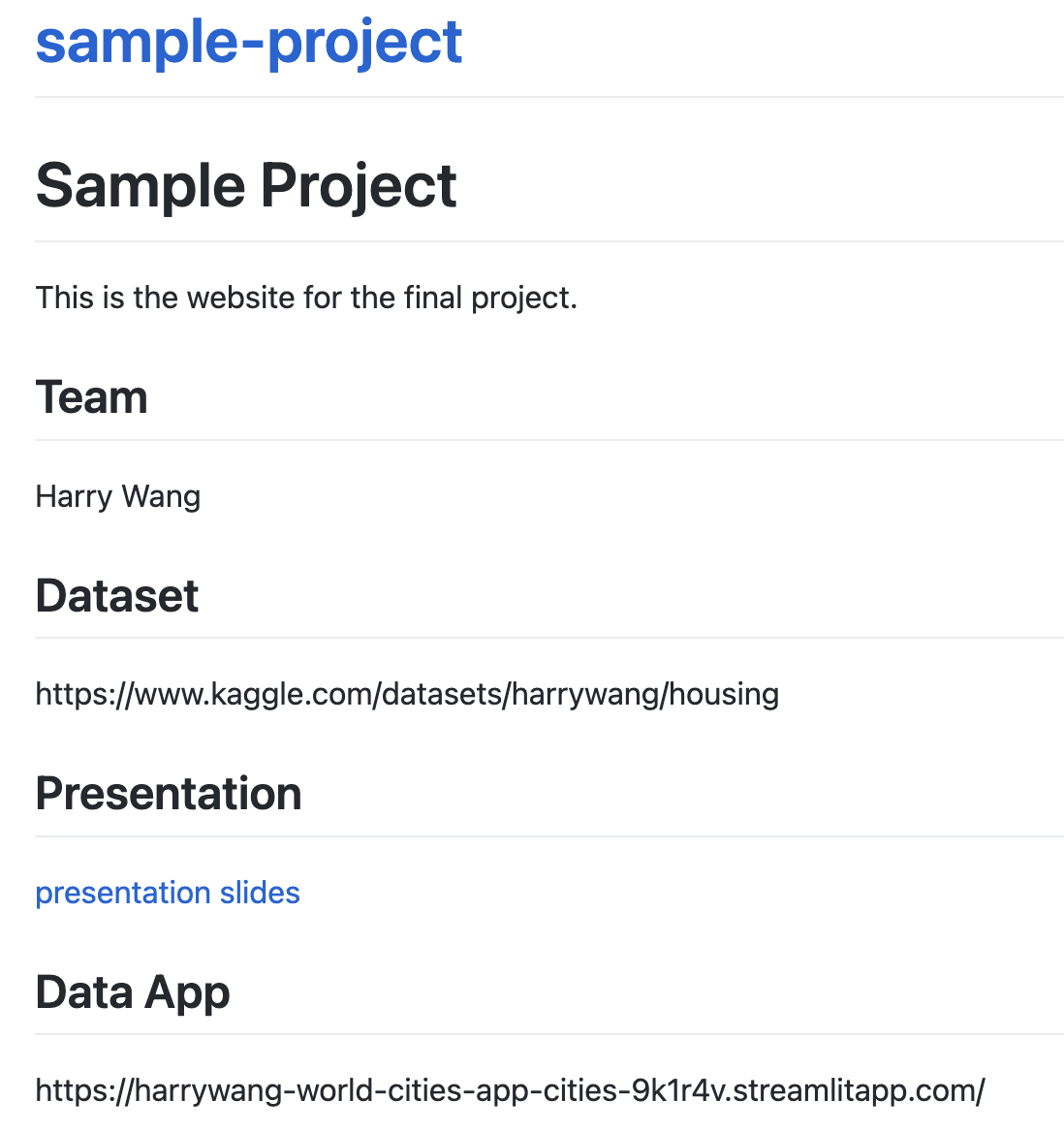
Wait for a few minutes and your website should be ready with the default theme.
-
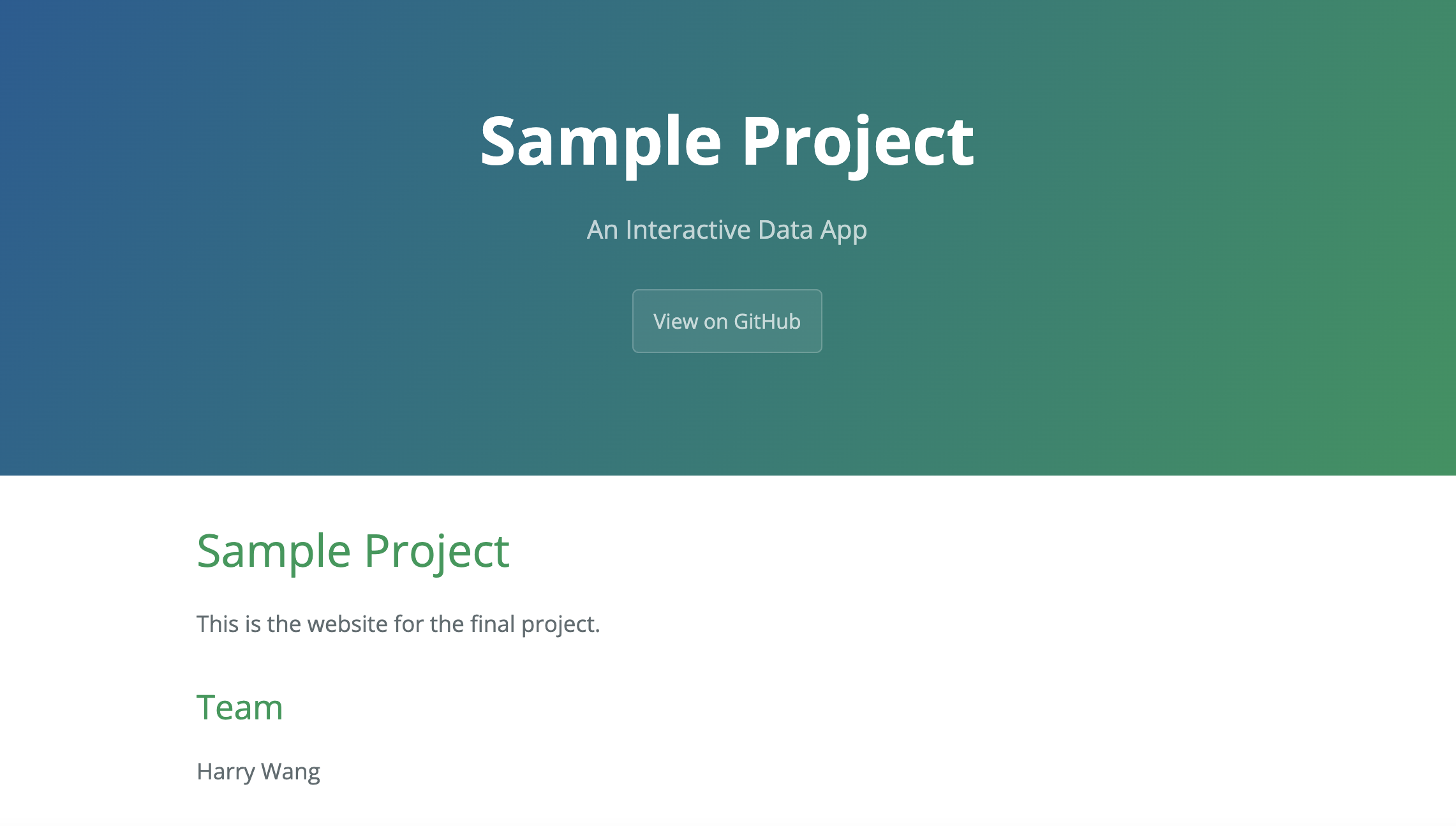
Add a theme by creating
_config.ymland add the theme information based on each theme’s documentation. All supported themes are listed: https://pages.github.com/themes/. I use theme as an example (read the repo readme for details).
Wait for the website to be deployed and refresh:
Github Tutorial
In this tutorial, you need to setup your Github account and perform basic code management tasks. Note that this tutorial does not cover advanced features…
Data App
A data app lets anyone explore your data or use your model in a web browser — no Python required. We build interactive apps with Streamlit in pure Python…